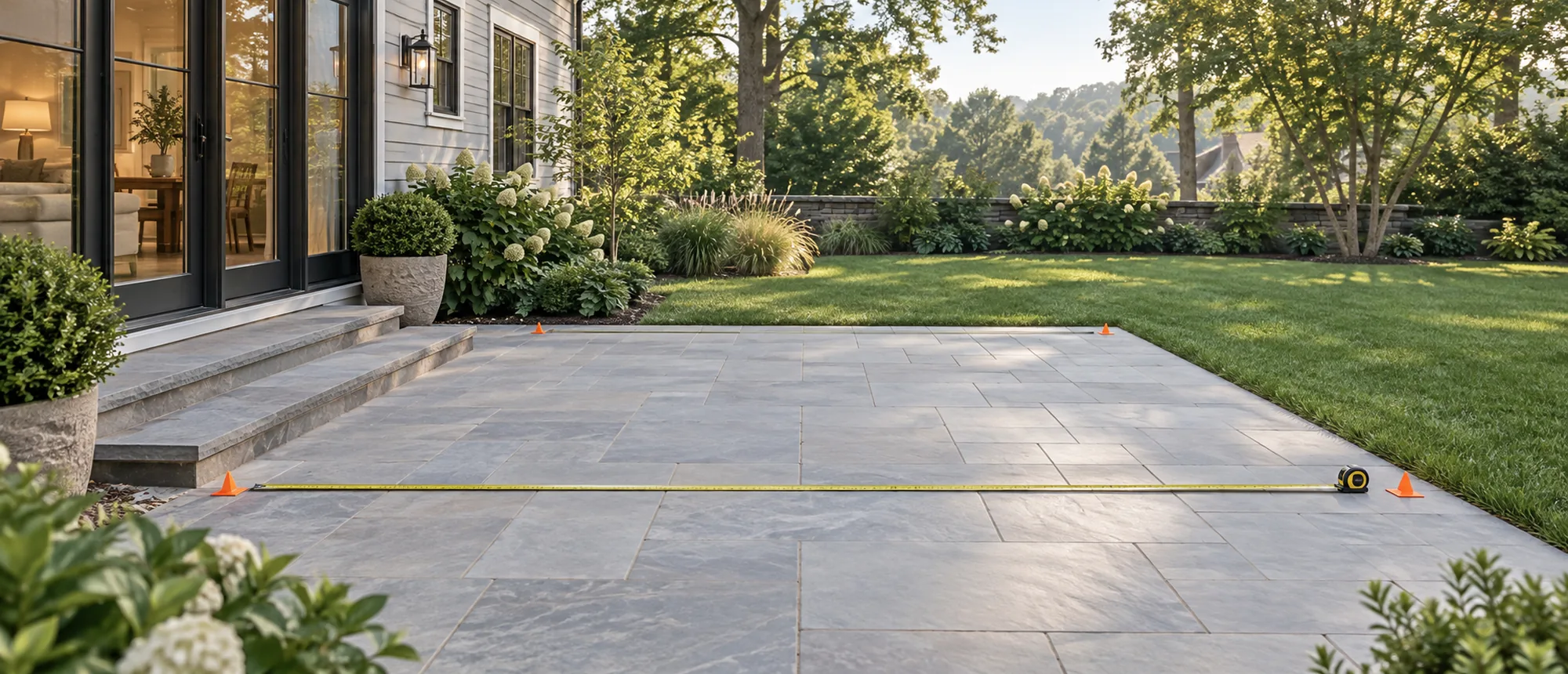
Talk through your project.
Whether you are measuring a patio, comparing mounting directions or organizing an ownership question, begin with where the project stands and the decision you are trying to make next.
Choose a contact path
-
Starting a project
Begin with the room, property and open questions. The Project Planner creates a structured outline without forcing every option to be decided at once.
-
Delivery planning
If the question is about access, receiving, staging or installation readiness before ordering, review the project path first.
-
Ownership & support
For care, controls, parts or an existing product question, prepare the order reference, configuration and exact component before choosing the support path.
-
Something else
Use the general form to prepare a concise email draft. Review the recipient and message in your email application before sending.
Write the useful part first
Use the smallest set of details needed to understand the question.
Planning choices carry over to the quote form. Your contact details and message below stay on this page.
Copy this text into your email app, then send it to [email protected]. Nothing has been submitted.
Open email appYour email draft is ready. Review the recipient, subject and message in your email application, then send it when everything is correct. This page has not submitted the message to Louvano.
What to include
For a new project
- intended use: dining, lounge, poolside or flexible space;
- approximate footprint, or “still measuring”;
- freestanding, wall-mounted or undecided context;
- nearby doors, rooflines, walls, trees or other constraints;
- the one or two decisions that matter most right now.
For delivery planning
- planned receiving location;
- route from the street to the installation area;
- gates, turns, slopes, stairs or overhead limits;
- the handoff, unloading or staging question that still needs clarification.
For an ownership question
- order or project reference;
- supplied configuration and exact component;
- what changed and when;
- steps already taken;
- one wide photograph for context and close photographs of the relevant detail.
Do not include passwords, complete payment-card information, identity documents or unrelated personal records in a general project message.
Common questions
Which contact path should I use for a new motorized louvered pergola project?
Which contact path should I use for a new motorized louvered pergola project?
For a new motorized louvered pergola project, use the Project Planner to organize the intended room, approximate footprint, mounting context and open questions. A general contact message is more useful when you already know the decision or issue you want to discuss. Neither path should imply that a final configuration has been approved.
What should I include in a motorized louvered pergola message?
What should I include in a motorized louvered pergola message?
A useful motorized louvered pergola message includes the project stage, intended use, approximate footprint or “still measuring,” mounting context and the next decision you need to make. For an existing order, add the order reference, supplied configuration and exact component. Keep the message focused and leave unrelated personal information out.
Can I send plans or photographs with a motorized louvered pergola question?
Can I send plans or photographs with a motorized louvered pergola question?
When sending plans or photographs for a motorized louvered pergola question, include only material relevant to the space, configuration or issue. Remove passwords, payment information, identity documents and unrelated personal details. Use a wide view for context and close views for the specific area, while keeping measurements and labels readable.
What should I include for an existing motorized louvered pergola order?
What should I include for an existing motorized louvered pergola order?
For an existing motorized louvered pergola order, include the order or project reference, supplied configuration, exact component and a concise description of what changed. Add the relevant delivery, installation or operating document when available. Photographs should show both the wider context and the specific detail without exposing unrelated personal information.
Should a motorized louvered pergola contact message include payment information?
Should a motorized louvered pergola contact message include payment information?
A motorized louvered pergola contact message should not include complete payment-card details, account passwords, identity documents or unrelated financial records. Use the approved secure payment or account path for sensitive transactions. A general project message only needs enough contact, order and product context to route the question without collecting unnecessary personal data.